
The short version
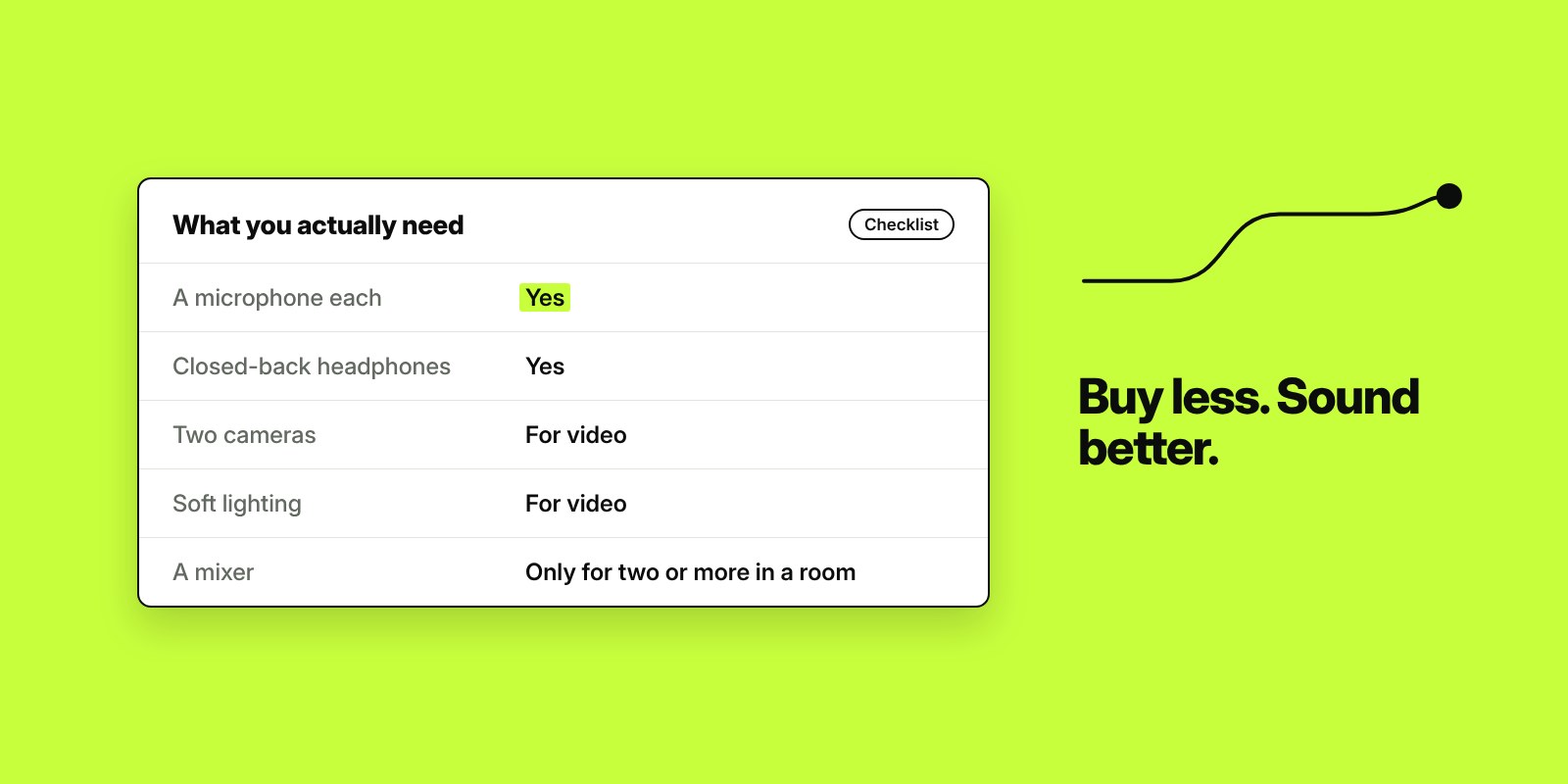
- For audio, you need one microphone per person, closed-back headphones, a way to record and a quiet room. That’s it to start.
- For video, add at least one camera, ideally two, and soft, even lighting on faces.
- The room matters as much as the kit. A carpeted room with soft furnishings will sound better than an expensive microphone in an echoey office.
- Don’t buy everything at once. Record your first few episodes in a studio, then decide what you need.
- Buying makes sense if you’ll record often from one place. Hiring makes sense if you’re testing, record in batches or want video without the set-up.
Searching for podcast equipment turns up endless lists of microphones, mixers and gadgets. Most business podcasts need far less than those lists suggest. This guide covers what you actually need for audio and for video, what makes the biggest difference, and when it’s better to hire a studio than to buy your own kit.
It’s part of our series on starting a podcast for your business. For full costs, read how much it costs to start a podcast.
What you need for an audio podcast
| Item | Do you need it? | What to look for |
|---|---|---|
| Microphone | Yes, one per person | A dynamic USB microphone is the simplest start. It picks up less of the room than a condenser microphone. |
| Headphones | Yes | Closed-back, so your voice doesn’t leak back into the microphone |
| Microphone arm or stand | Strongly recommended | Keeps the microphone at a steady distance from your mouth and off the desk |
| Pop filter or foam cover | Useful | Softens the “p” and “b” sounds |
| Audio interface or mixer | Only for two or more microphones in one room | Lets several microphones record to one computer on separate tracks |
| Recording software | Yes | Free tools work. Remote recording tools such as Riverside are useful if guests join from elsewhere. |
What you add for a video podcast
| Item | Do you need it? | What to look for |
|---|---|---|
| Camera | Yes, ideally two | A wide shot and a close-up make the edit far more watchable. Webcams and phones work to start. |
| Capture cards | If cameras record to a computer | Let a camera feed straight into your recording software |
| Lighting | Yes | Soft, even light on faces from the front and side. Avoid a window behind you. |
| Tripods or mounts | Yes | Keep cameras steady and at eye level |
| A background | Yes | Tidy and consistent, so episodes look recognisable |
Not sure whether to record video at all? Read video or audio podcast.
The room matters as much as the kit
A good microphone in a bad room still sounds bad. Hard walls, glass and empty floors bounce sound around and make you sound like you’re in a bathroom. Before spending more on equipment:
- Record in the smallest, softest room you have. Carpets, curtains, sofas and full bookshelves all absorb sound.
- Keep away from windows, fridges, air conditioning and busy corridors.
- Sit close to the microphone, about a hand’s width away, so it picks up your voice rather than the room.
- Do a short test recording and listen back on headphones before every session.
Where to spend first
- Sound. A decent microphone per person and a quieter room. People will forgive a basic picture but not bad audio.
- Light. If you’re recording video, lighting makes a cheap camera look good. A great camera with poor light still looks poor.
- A second camera angle. The biggest step up in how professional a video podcast looks.
- Everything else. Mixers, extra lenses and accessories can wait until you know what you’re missing.
Buy your own, or hire a studio?
| Buy your own | Hire a studio | |
|---|---|---|
| Upfront cost | Hundreds to a few thousand pounds | None; you pay per session |
| Set-up time | Every session, plus learning the kit | Done for you |
| Sound and video quality | Depends on your room and skills | Consistent from the first episode |
| Flexibility | Record whenever you like | Book in advance |
| Best for | Frequent recording from one place | Testing the idea, batch recording, video |
A sensible approach is to record your first few episodes in a studio. You’ll find out whether you enjoy it and what kind of show you want to make, before spending money on equipment you might not use.
What’s in our studio
Our podcast studio in Swindon is set up so you can turn up and talk:
- Four microphones, so up to four people can record on mic.
- Two Sony cameras for a wide shot and a close-up.
- Riverside for recording remote guests.
- Adjustable lighting and a black curtain backdrop.
- Someone on hand to run the session.
You can hire the room on its own for £150 + VAT per half day and take the files away, or book a session with editing and clips included. If you’ve never recorded before, read what happens at a recording session. Business owners in and around Swindon can also try it with a free, fully edited episode.
Frequently asked questions
What equipment do I need to start a podcast?
For audio, a microphone for each person, closed-back headphones, recording software and a quiet room. For video, add at least one camera, ideally two, and soft lighting on faces.
What is the best microphone for a beginner podcast?
A dynamic USB microphone is the simplest place to start. It plugs straight into a computer and picks up less of the room’s echo than a condenser microphone, which helps if you’re not recording in a treated room.
Can I record a podcast on my phone?
Yes, for a first test. The sound improves a lot with a plug-in microphone and a quiet room, and most business podcasts move to proper microphones once they decide to keep going.
Do I need a mixer to record a podcast?
Not for one person. If you’re recording two or more people in the same room, an audio interface or mixer lets each microphone record on its own track to one computer.
How many cameras do I need for a video podcast?
One is enough to start, but two angles, such as a wide shot and a close-up, make the episode much more watchable and give better material for social media clips.
Is it cheaper to hire a podcast studio than buy equipment?
For your first episodes, usually yes. Hiring avoids the upfront cost and set-up, and gives you good sound and video from day one. Buying makes more sense once you’re recording often from the same place.

Founder of The Pursuit Agency in Swindon. He has worked in SEO for fifteen-odd years and leads the agency's SEO and Google Ads work for owner-led businesses across the UK.